Why Robotics Is Great for Kids
Robotics combines creativity, problem-solving, and technology in a way that keeps kids engaged. Unlike passive screen time, building robots is active learning — kids develop real engineering skills while having fun.
Studies show that hands-on STEM activities improve critical thinking, spatial reasoning, and perseverance. Plus, robotics teaches kids that failure is part of the learning process — when a robot doesn't work, you debug and try again.
Project 1: LED Light Show (Age 8+)
**Difficulty:** Easy
**Time:** 30 minutes
**What they'll learn:** Basic circuits, programming logic
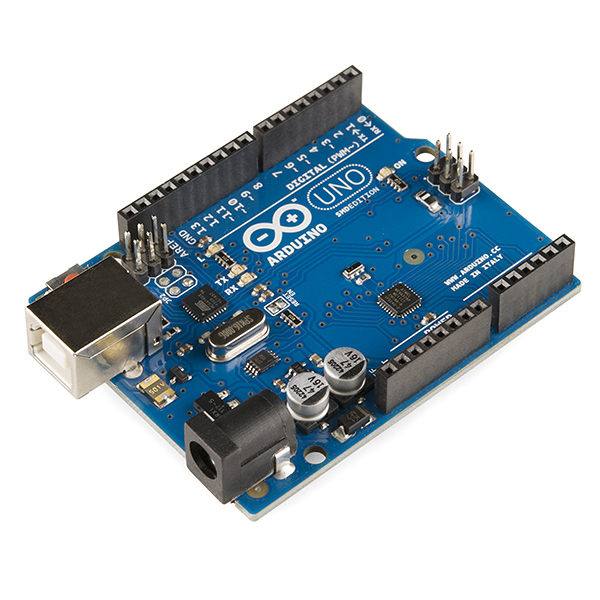
This is the perfect first project. Kids connect colorful LEDs to an Arduino and program them to blink in patterns.
**What you need:**
**What to build:**
Kids love this project because they see immediate results and can customize the light patterns.
Project 2: Obstacle-Avoiding Robot Car (Age 10+)
**Difficulty:** Medium
**Time:** 2-3 hours
**What they'll learn:** Motors, sensors, basic AI logic
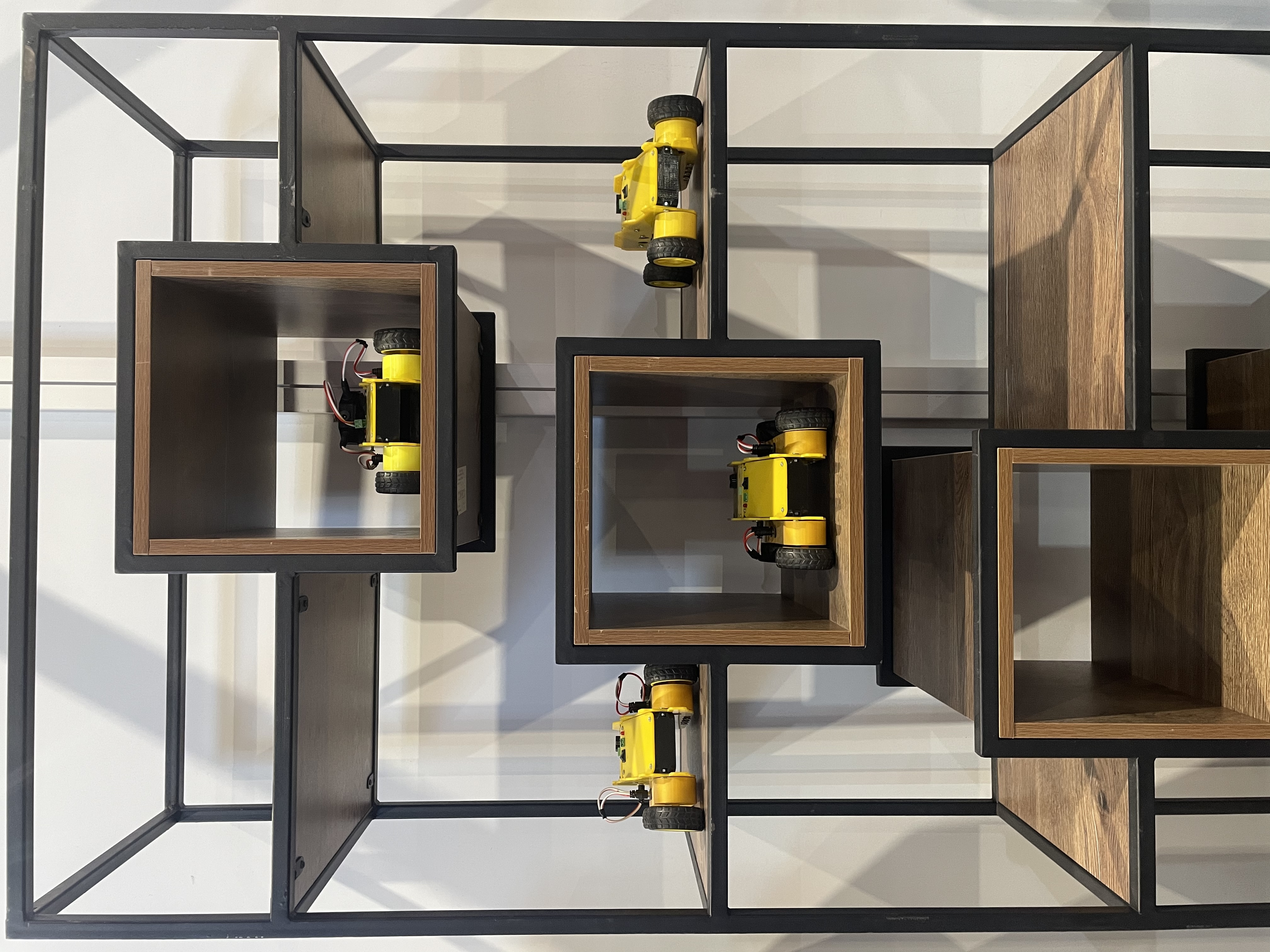
A small car that drives around and avoids bumping into things. This is the project that really hooks kids on robotics.
**What you need:**
**What to build:**
Project 3: Robotic Gripper (Age 10+)
**Difficulty:** Medium
**Time:** 1-2 hours
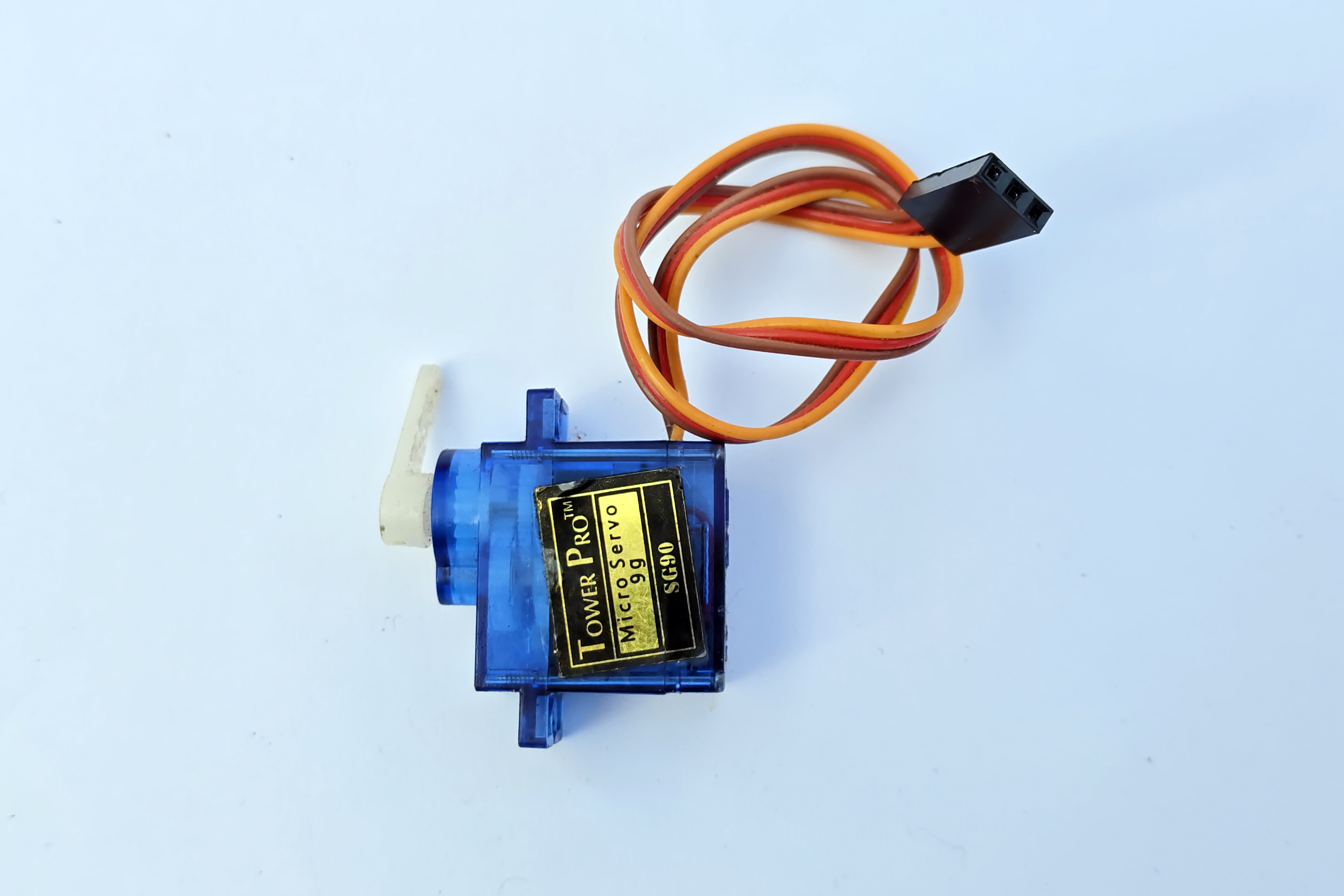
**What they'll learn:** Servo motors, mechanical design
Build a simple robotic hand that can pick up small objects.
**What you need:**
**What to build:**
This project teaches mechanical principles alongside electronics.
Project 4: Weather Station (Age 11+)
**Difficulty:** Medium
**Time:** 2 hours
**What they'll learn:** Sensors, data collection, displays
Build a device that measures temperature, humidity, and displays it on a small screen.
**What you need:**
**What to build:**
Kids love checking their own weather station and comparing it to the official forecast.
Project 5: Bluetooth-Controlled Robot (Age 12+)
**Difficulty:** Advanced
**Time:** 3-4 hours
**What they'll learn:** Wireless communication, app interaction
Build a robot car that's controlled from a smartphone.
**What you need:**
**What to build:**
This is the project kids show off to their friends. Controlling a robot from your phone feels like magic.
Tips for Parents
Conclusion
Robotics is one of the best educational activities for kids. It builds technical skills, creativity, and problem-solving ability in a way that feels like play rather than study.
Start with the LED project, and watch as your kids naturally progress to more complex builds. Who knows — you might be raising the next great robotics engineer.